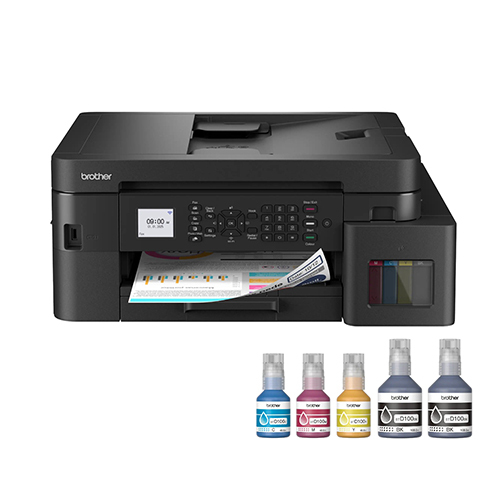
About Brother MFC-T930DW WiFi Ink Tank Printer
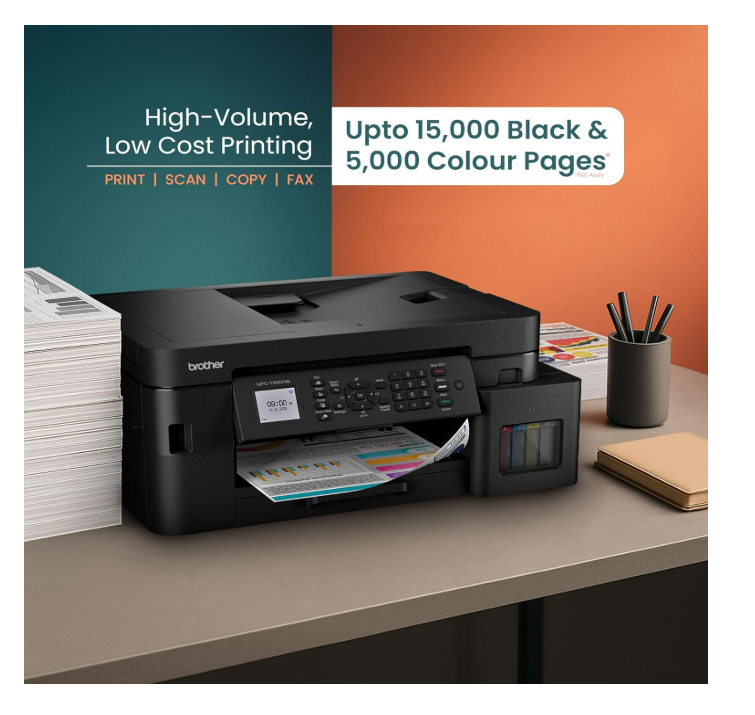
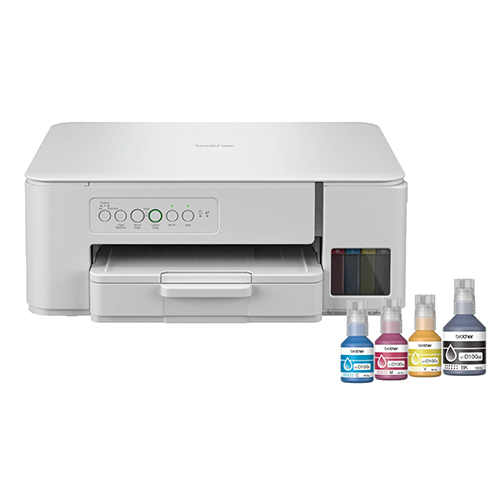
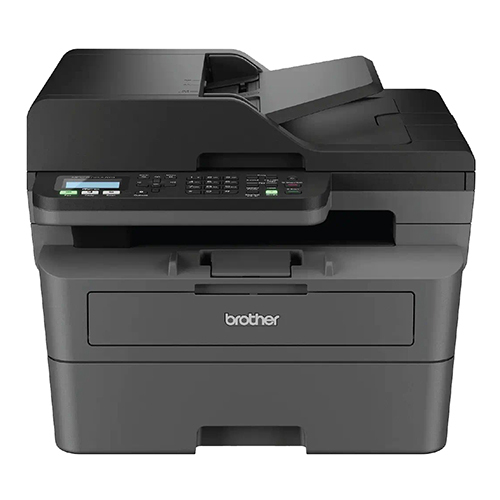
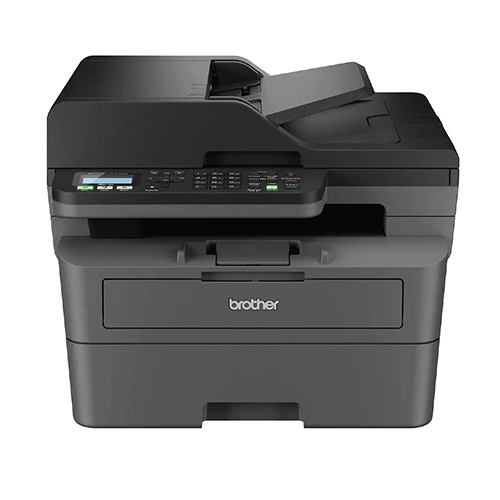
Brother Ink Tank MFC-T930DW New Launch (Print Scan Copy Fax) WiFi Auto Duplex, ADF Printer, 128 MB, Print Pages Upto 15K in Black & 5K in Color Each (CMY) Get Extra Black Ink Bottle, Free Installation
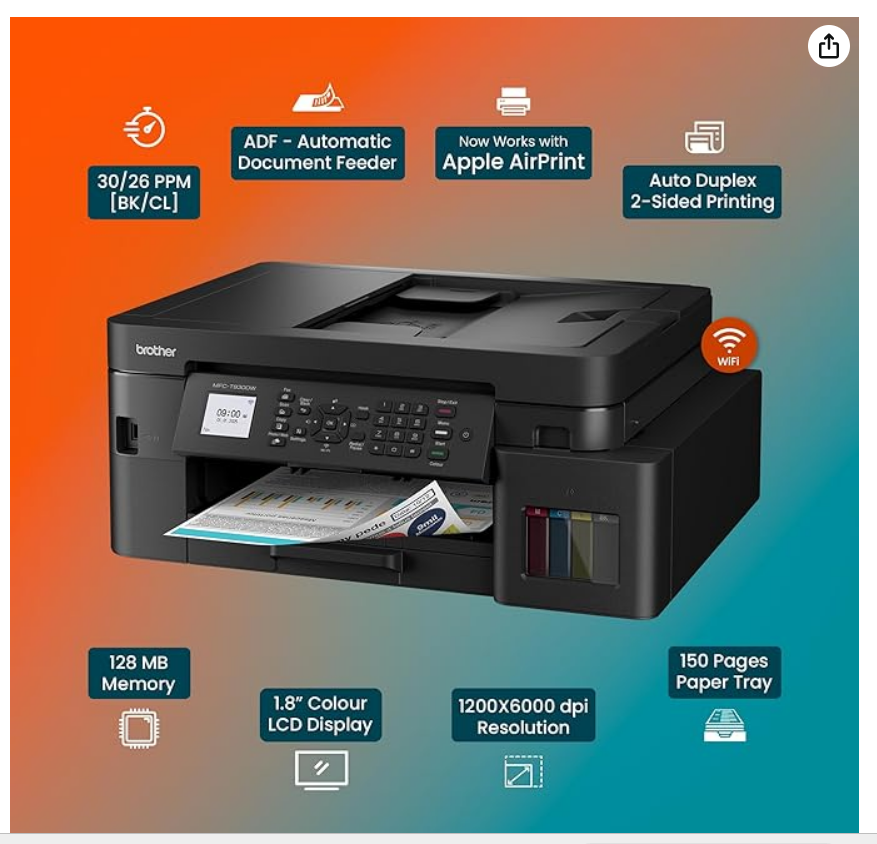
High-Speed Productivity with Automatic DuplexThe MFC-T930DW delivers rapid first-page printouts in about six seconds (mono) and consistent output up to 17 ipm (mono, 16.5 ipm color). Automatic two-sided printing minimizes paper use and boosts efficiency. Designed for A4, Letter, Legal, Executive, and custom sizes, the 150-sheet input and 50-sheet output trays accommodate demanding workflows, making it an excellent choice for busy environments.
Robust Mobile and Network ConnectivityStay connected anywhere in your workspace thanks to built-in WiFi, WiFi Direct, USB 2.0, and Ethernet support. Effortlessly print from mobile devices using Brother iPrint&Scan, Apple AirPrint, and Mopria. The intuitive 1.8-inch color LCD and soft keypad simplify configuration and operation, ensuring quick access to essential features for users at all experience levels.
Eco-Friendly, Cost-Effective Ink Tank SystemThe refillable ink tank design combines cost savings with environmental benefits by reducing cartridge waste. Compatible with Brother BT-D60BK and BT-5000C/M/Y bottles, it provides vivid color and sharp monochrome prints. Eco Mode further conserves resources, while the robust duty cycle of up to 5,000 pages per month makes it suitable for frequent use.
FAQ's of Brother MFC-T930DW WiFi Ink Tank Printer:
Q: How do I connect the Brother MFC-T930DW to my wireless network?
A: You can set up WiFi connectivity directly from the printer's control panel using the 1.8-inch LCD. Navigate to the network settings, select your wireless network, and enter the password. The printer also supports WiFi Direct for printing without a router and can be accessed via Ethernet and USB if needed.
Q: What types of ink does the Brother MFC-T930DW use?
A: This printer is equipped with both dye-based and pigment-based ink tanks. It is compatible with Brother's BT-D60BK (black) and BT-5000 series (cyan, magenta, yellow) ink bottles, making refills easy and cost-effective while ensuring vibrant color and crisp monochrome output.
Q: When should I use the Automatic Document Feeder (ADF)?
A: The ADF is ideal when you want to scan, copy, or fax multi-page documents hands-free. With a 20-sheet capacity, it allows efficient batch processing, saving time compared to manual page feeding-perfect for offices with regular scanning or copying needs.
Q: Where can I use the MFC-T930DW printer for best results?
A: This all-in-one printer is designed for versatility, making it suitable for homes, small and home offices (SOHO), schools, and small businesses. Its compact build and desk/freestanding installation adapt well to limited spaces while offering professional-grade functionalities.
Q: What is the benefit of automatic duplex printing on this model?
A: Automatic duplex printing enables the printer to print on both sides of the paper without manual intervention. This reduces paper consumption, lowers costs, and minimizes environmental impact while maintaining seamless workflow efficiency.
Q: How does mobile printing work with the MFC-T930DW?
A: The printer supports Brother iPrint&Scan, Apple AirPrint, and Mopria, allowing you to print directly from smartphones and tablets. Download the respective app, ensure both devices are on the same network, and enjoy effortless mobile printing and scanning.
Q: What operating system platforms are compatible with this printer?
A: The MFC-T930DW is compatible with Windows, Mac OS, and Linux operating systems, enabling flexible integration into diverse digital environments for both home and professional use.



 Send Inquiry

 Send Inquiry